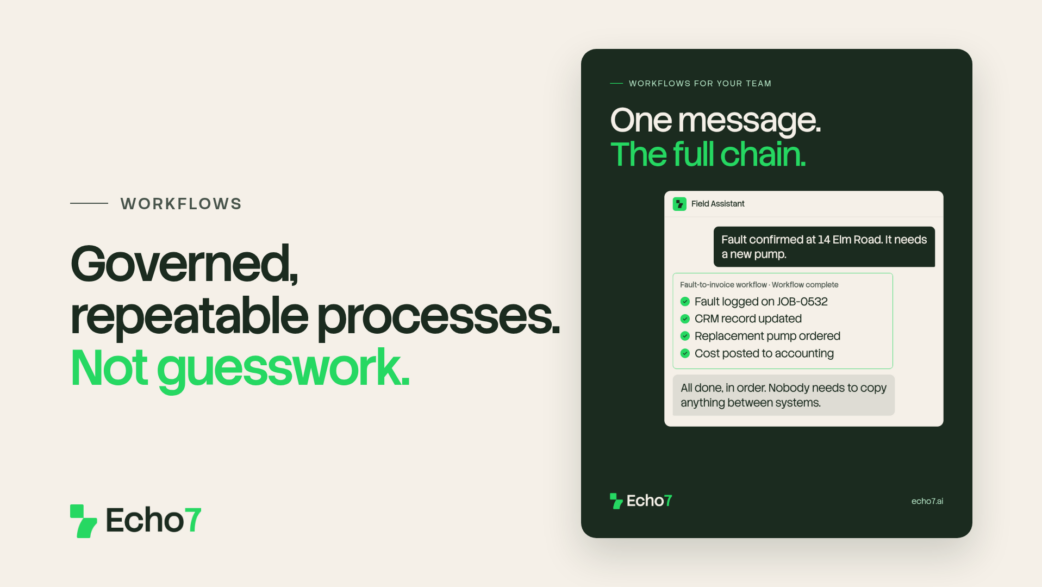
An agent can carry out one task well. A workflow decides which agent runs, in what order, and what happens if something doesn’t go to plan.
One task is an agent. The whole process is a workflow.
What is a workflow?
A workflow is a defined path Echo7 follows instead of responding freely. It evaluates conditions, calls on agents and knowledge, and handles exceptions along the way.
You build it in our drag-and-drop visual workflow editor, with no coding required. If you can map the steps out on a whiteboard, you can build it the same way here.
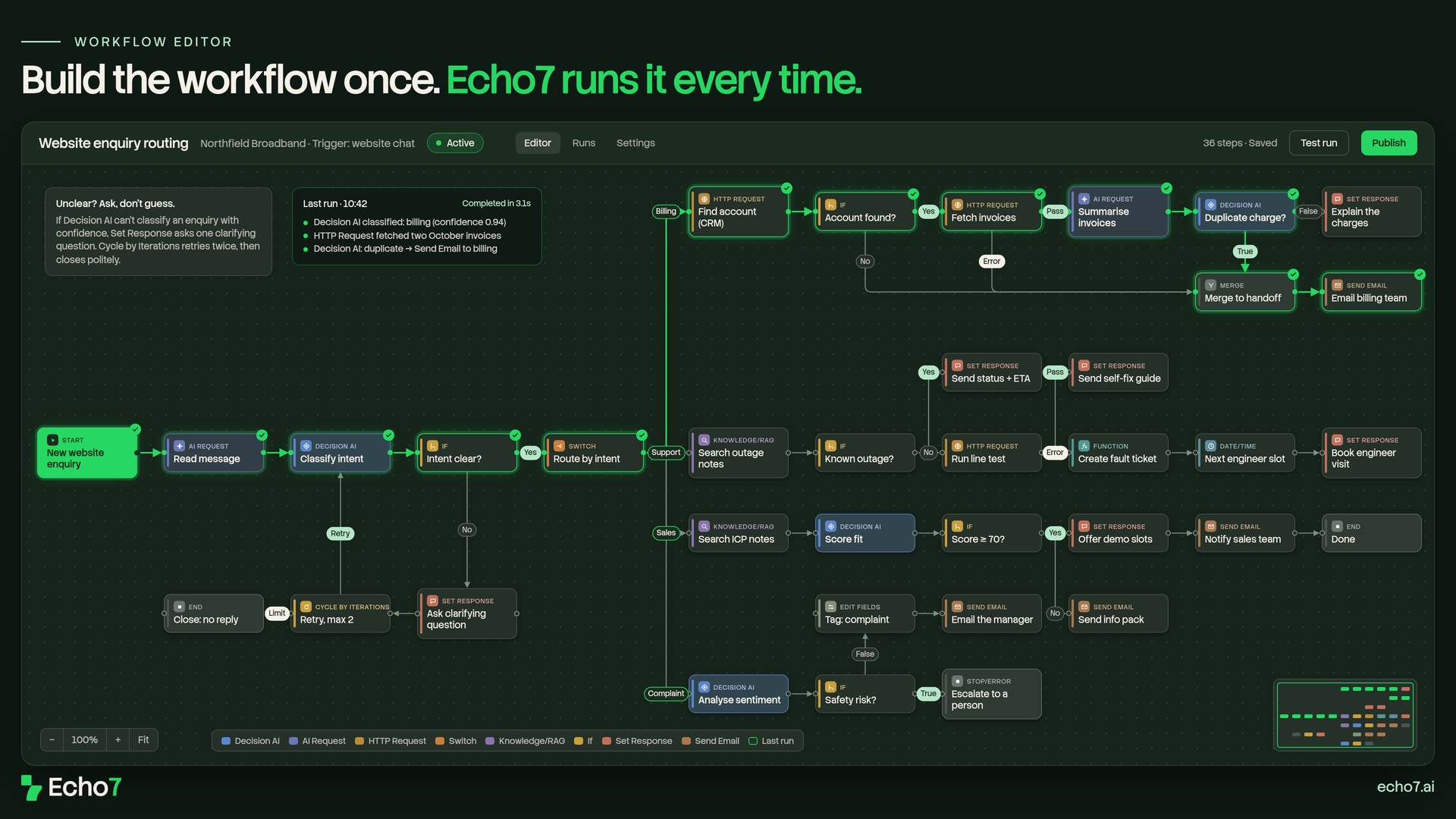
A website enquiry routing workflow in the visual editor: Decision AI, Switch, HTTP Request, Knowledge/RAG and more — the same Items you drag from the palette. Example business, fictional details.
What makes it governed rather than improvised is what happens when things aren’t straightforward. Workflows escalate to a person when confidence is low, and route different situations differently, so the same enquiry doesn’t get handled five different ways.
If you read our last post on agents, this is the next step. Each agent does one job well, inside the tools you’ve already connected through integrations. A workflow puts those agents in order and decides what happens between them.
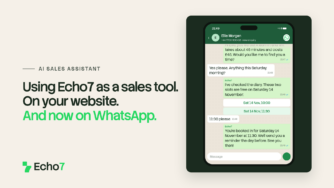
A sales enquiry running through a workflow built in the visual editor: details collected, CRM checked, routed to the right team and a demo booked. Example business, fictional details.
On your website, every enquiry lands in the right place
Billing questions, technical faults, complaints, sales enquiries: they often all arrive through the same chat box. A workflow classifies each one and routes it to the right team automatically. When something’s genuinely ambiguous, it escalates to a person instead of guessing.
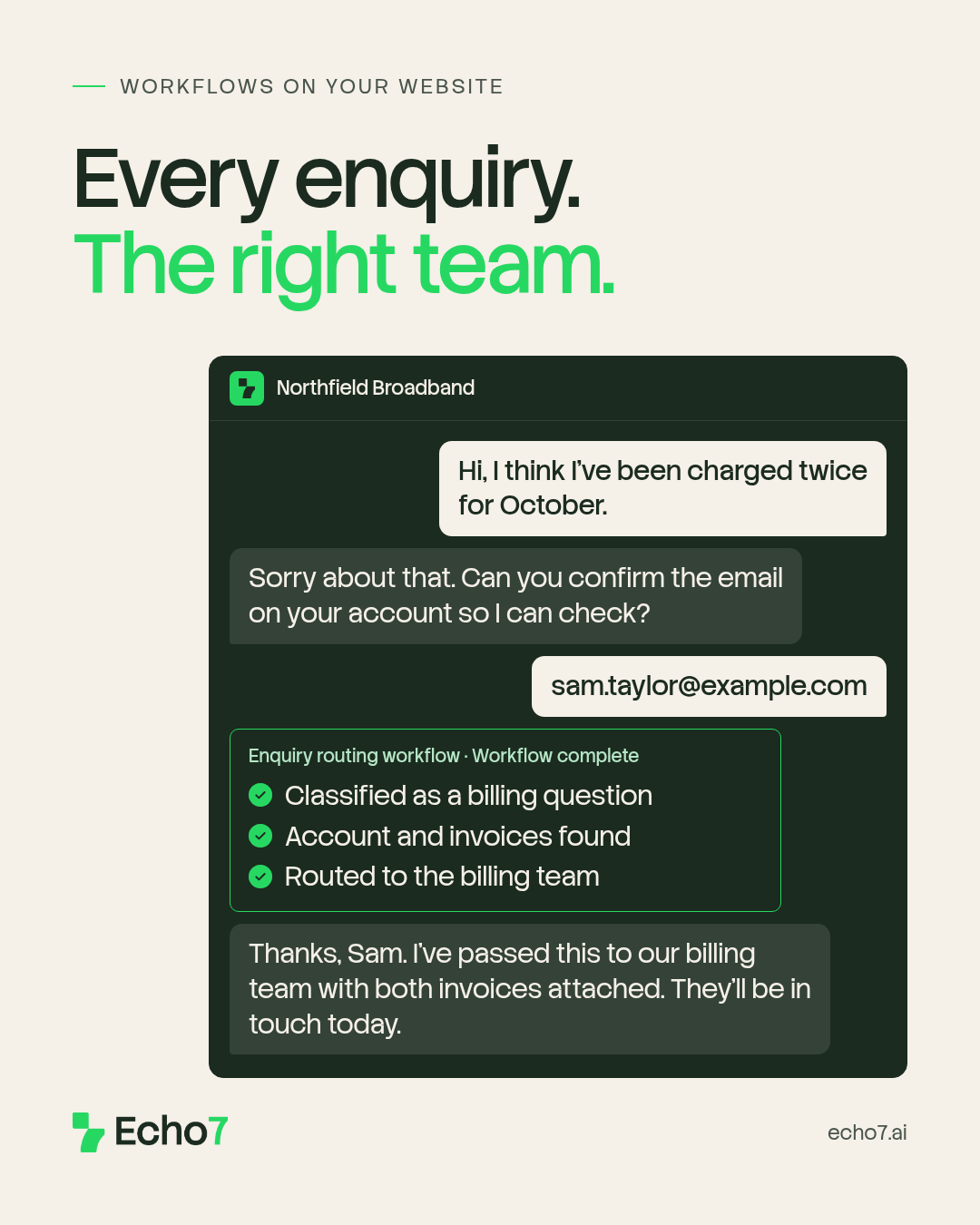
The workflow classifies the enquiry, finds the account and hands it to the billing team with the details already attached. Example business, fictional details.
Internally, it’s the full chain running on its own
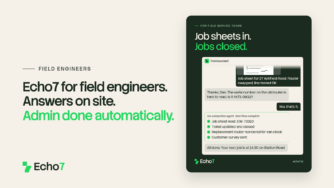
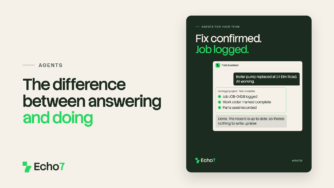
A technician confirms a fault. The workflow takes it from there: the CRM is updated, the part is ordered and accounting reflects the transaction. It all happens from one conversation, in order, with nobody carrying information between systems by hand.
Individually, that’s a lookup, an integration and a couple of agents. As a workflow, it’s one governed process that runs the same way every time.
Why “governed” matters
Automation without structure just moves the risk around. Workflows keep the speed and remove the uncertainty: conditions are explicit, escalation is built in, and there’s always a defined answer for what happens when a situation isn’t clean-cut.
Build a process you can actually trust
Start a free trial and drag together a real process, such as an enquiry that needs routing or a multi-step task you handle regularly. Then watch it run the same way, every time.
Stay in the loop
We’ll be covering IDP next.
If you’d rather not keep checking back, sign up to our weekly newsletter. It covers what’s happening in AI more broadly, product updates as we ship them, and the occasional deep dive into how Echo7 works under the hood.