Ask a good assistant a question, and you get an answer. Ask Echo7 the right kind of question, and you get more than that: a quote started, a ticket opened, a job logged, without anyone having to pick up a task afterwards to actually do it.
That’s what agents are for.
What is an agent?
An agent is a specialised capability built for one job, such as searching for an order, checking availability, opening a ticket or updating a status. Each one collects whatever it needs from the conversation, carries out that task and returns a result. Agents can be triggered directly by a user, or called automatically as part of a larger workflow.
This is where the integrations from our last post come in. Integrations connect Echo7 to the systems you already use, and agents are what act inside them.
On your website, an agent can run the conversation with a prospect
A prospect asks about a product: what it costs, how it can be configured, whether it’s available. A standard chatbot answers and stops. An agent keeps going. It asks the right follow-up questions, narrows down what they need and uses those answers to kick off a quote or checkout, all unattended, with no salesperson needing to be online to catch it.
By the time your team gets involved, if they need to at all, the groundwork’s already done.
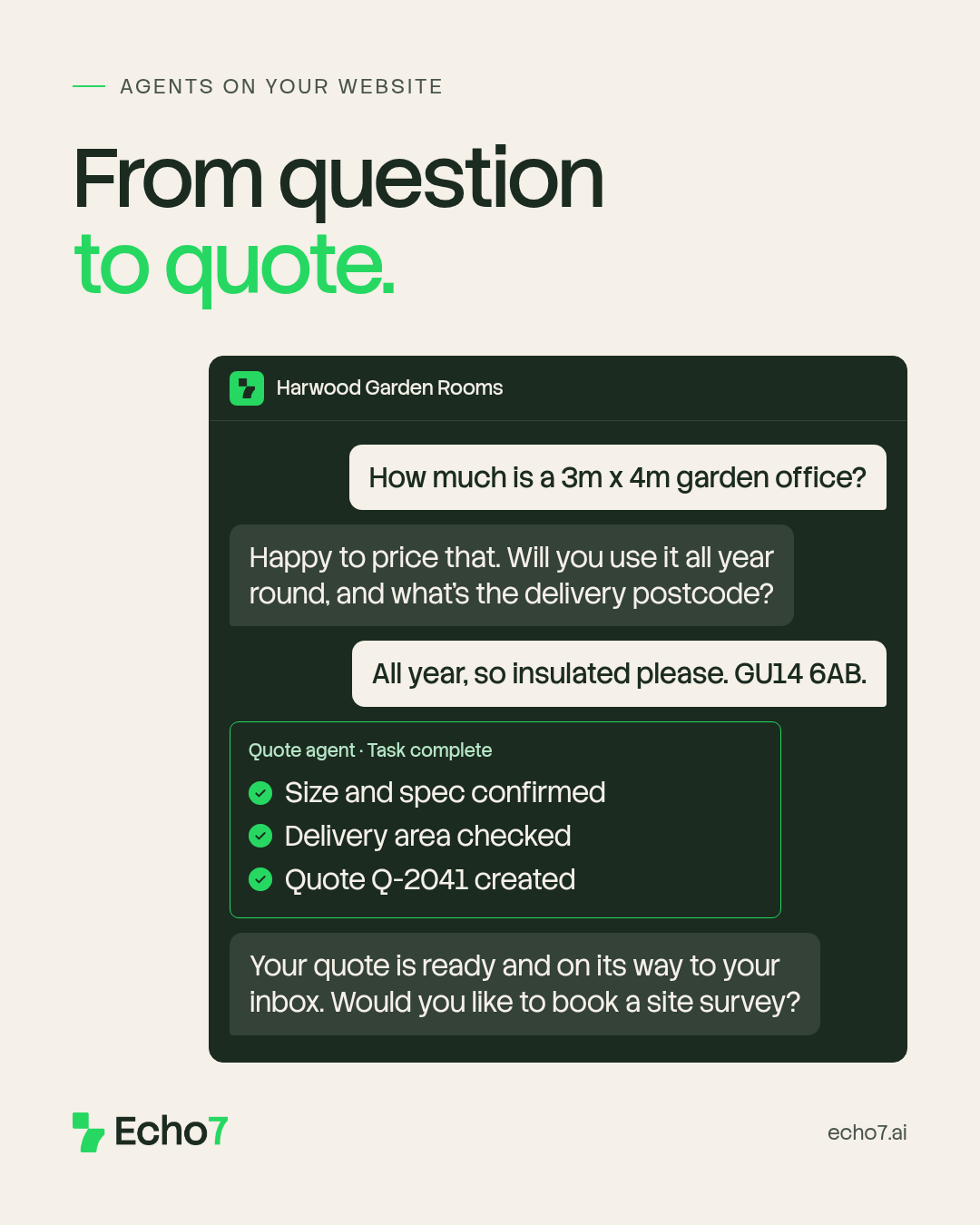
An agent asks the follow-up questions, then creates the quote while the prospect is still in the chat. Example business, fictional details.
Internally, an agent can close the loop the moment work happens
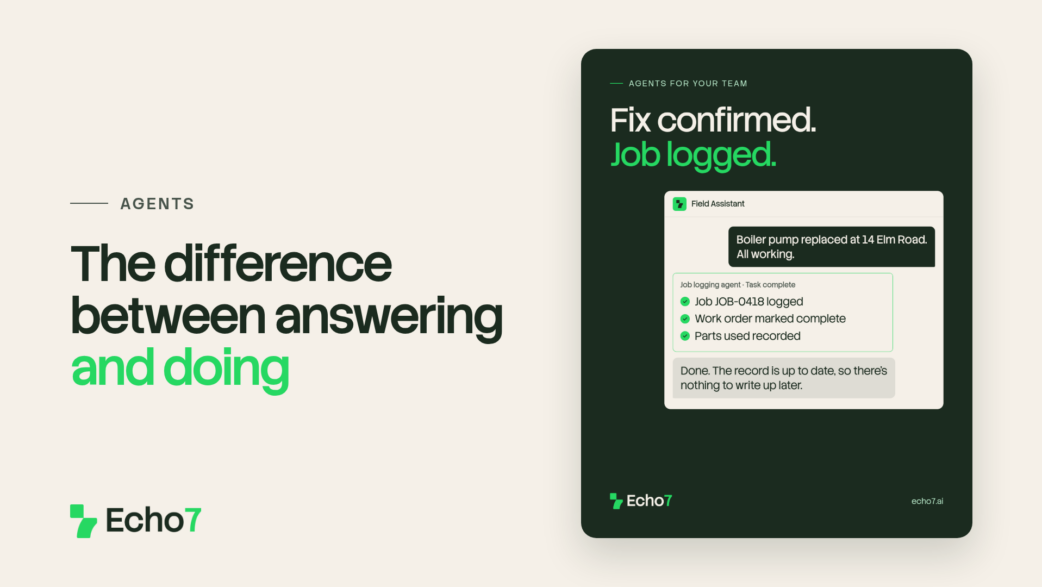
The moment a technician confirms a fix, there’s usually admin that follows: logging the job and updating the work order. It’s necessary, and it’s easy to put off until the end of the day.
An agent can pick that up instantly, the moment the fix is confirmed in the conversation, so the record is accurate in real time instead of being backfilled from memory later.
A technician sends the job sheet from site. The agent reads it, checks one detail and closes the ticket, so there’s nothing to write up later.
Why the distinction matters
An assistant that only answers leaves a gap between “here’s what you need to know” and “here’s what happened as a result”. Agents close that gap. They’re the part of Echo7 that acts, not just informs.
On their own, agents handle individual tasks. Chained together with logic and escalation paths, they become something bigger. That’s what workflows do, and they’re next in this series.
See an agent handle a real task
Start a free trial and try building one around a task you handle repeatedly, such as a quote, a ticket or a status update. No coding skills are needed. Supply the API or MCP documentation for the system it should work with, describe what it should do, and Echo7 builds it for you. Then watch it run unattended.
Stay in the loop
We’ll be covering workflows and IDP in the posts ahead.
If you’d rather not keep checking back, sign up to our weekly newsletter. It covers what’s happening in AI more broadly, product updates as we ship them, and the occasional deep dive into how Echo7 works under the hood.